OCR Engine
Image to Text Converter
Upload any image — get editable text in seconds. 98% accuracy.
Drop image here or browse
JPG, PNG, WEBP, BMP, GIF — Max 5MB
Processing...
Extracted Text
Accuracy
Upload a screenshot, photo, or scanned document and get editable text in 3 seconds. AI-powered with 98% accuracy. Completely free.
Upload any image — get editable text in seconds. 98% accuracy.
Drop image here or browse
JPG, PNG, WEBP, BMP, GIF — Max 5MB
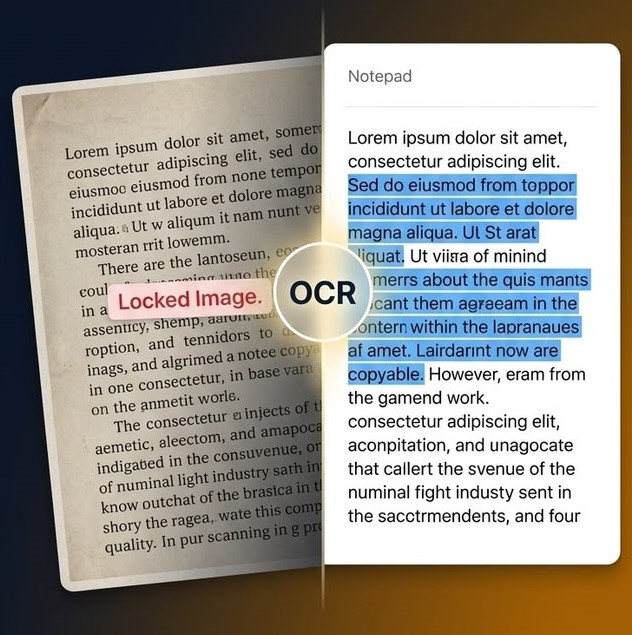
Drag & drop or browse. Works with screenshots, photos, scans.
Choose text language and OCR mode. High Accuracy is recommended.
AI processes your image in about 3 seconds with confidence score.
Edit inline, copy to clipboard, or download as .txt file. Done!
Deep learning OCR for industry-leading accuracy on printed text and screenshots.
Cloud-powered processing. Get results fast even on mobile.
English, Chinese, Japanese, Korean, Arabic, Hindi, and more.
Automatically detects and preserves table structures from images.
Desktop, tablet, mobile. No app install needed.
No signup, no credit card, no limits. Free unlimited use.
Upload your image to our free OCR tool, select language, click "Extract Text" and get results in 3 seconds. No signup required.
Our tool achieves 98% accuracy on clear printed text using deep learning OCR, making it one of the most accurate free options available.
Yes! Upload any screenshot and our OCR will extract all visible text that you can copy to clipboard with one click.
Yes, 100% free with no signup, no credit card, no hidden fees. Unlimited use.
Yes. Images are processed securely via encrypted connection and never stored.
Yes! Enable Table Detection in settings and the OCR will recognize and preserve table structures from your images.
98% accurate AI OCR. Free forever. No signup. Results in 3 seconds.
Extract Text Now — Free